

Perplexity Comet Browser Review (2026)
Artificial intelligence is transforming how people browse the internet, and the Perplexity Comet Browser is one of the newest AI-powered browsers attracting attention in 2026. Instead of simply loading web pages, Comet is designed to help users search, summarize, research, and complete everyday tasks using advanced AI assistance.
As AI browsers become more popular, many users are asking whether Comet can replace Google Chrome, Microsoft Edge, or Arc Browser. In this guide, we’ll explain everything you need to know about the Perplexity Comet Browser, including its features, performance, security, pricing, and whether it’s worth switching.
Quick Profile
| Attribute | Details |
|---|---|
| Browser Name | Perplexity Comet Browser |
| Developer | Perplexity AI |
| Category | AI-Powered Web Browser |
| First Released | 2025 (Initial Launch) |
| Latest Version | 2026 Update |
| Operating Systems | Windows, macOS (Platform support may expand) |
| Browser Engine | Chromium-based |
| License | Proprietary |
| Primary Purpose | AI-Assisted Web Browsing & Research |
| Key Features | AI Search, Webpage Summaries, Context-Aware Chat, Productivity Tools |
| Built-in AI | Yes |
| Search Capability | Conversational AI Search |
| Extension Support | Supports Chromium-compatible extensions (availability may vary) |
| Price | Free with optional premium AI features |
| Official Website | https://www.perplexity.ai |
| Best For | Students, Researchers, Writers, SEO Professionals, Developers, Content Creators |
What Is the Perplexity Comet Browser?
The Perplexity Comet Browser is an AI-first web browser developed by Perplexity AI. It combines traditional web browsing with an intelligent assistant capable of understanding natural language, answering questions, summarizing web pages, comparing information, and helping users complete online tasks more efficiently.
Unlike traditional browsers that rely mainly on search engines, Comet integrates AI directly into the browsing experience. This means users can ask questions about any webpage, receive instant summaries, or continue researching without constantly opening new tabs.
The goal is simple: make browsing faster, smarter, and more productive.
Why Is Everyone Talking About Comet?
The launch of AI-powered browsers has created significant interest because people increasingly want more than just a browser they want a digital assistant.
Several features make the Perplexity Comet Browser stand out:
- AI-powered search built directly into the browser
- Instant webpage summaries
- Context-aware conversations while browsing
- Research assistance without switching between websites
- Cleaner browsing experience with fewer distractions
- Productivity-focused design
These capabilities allow users to spend less time searching for information and more time understanding it.
Key Features of Perplexity Comet Browser
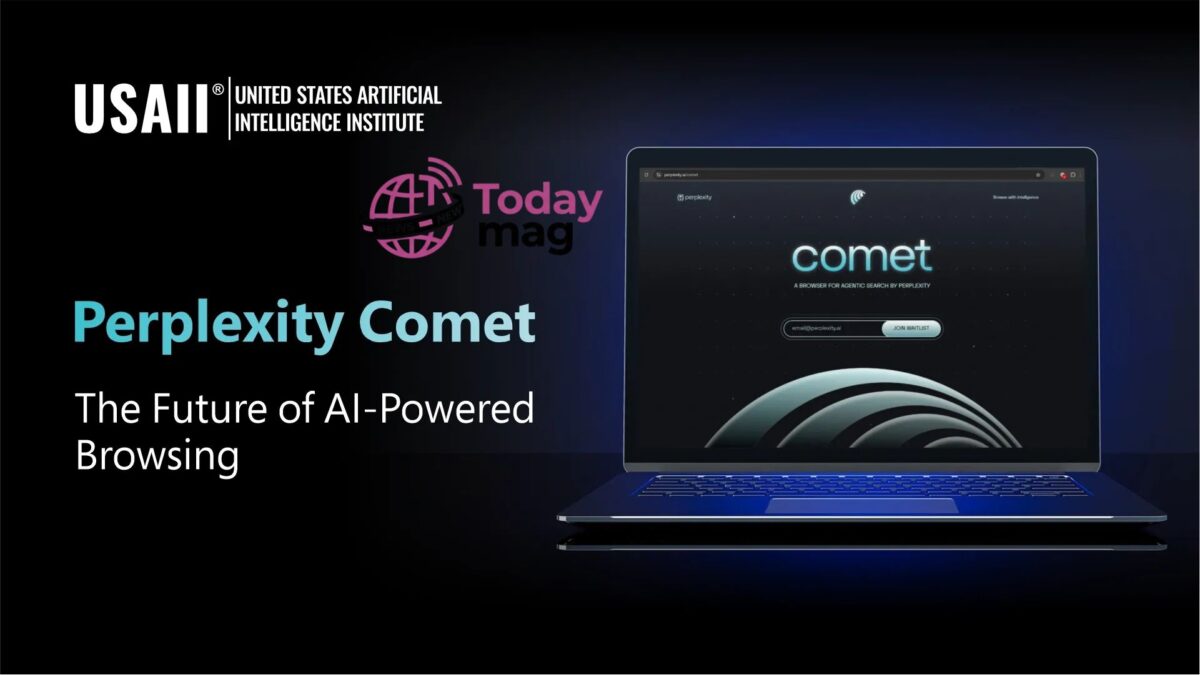
The browser introduces several modern AI features designed for everyday users, students, researchers, and professionals.
AI Search Assistant
Instead of typing keywords into a traditional search engine, users can ask complete questions in natural language. The AI understands context and delivers detailed answers along with relevant sources.
Smart Page Summaries
Long articles can be summarized within seconds. Rather than reading thousands of words, users receive concise highlights while still having the option to explore the full content.
Context-Aware Conversations
One of Comet’s biggest strengths is maintaining context during research. Users can ask follow-up questions without repeating previous searches, making complex topics easier to understand.
Productivity Tools
Comet is designed to help users organize research, compare products, draft content ideas, and simplify information gathering all within the browser itself.
Who Should Use the Comet Browser?
The browser is suitable for many different types of users, including:
- Students conducting academic research
- Writers looking for quick information summaries
- Business professionals comparing products or markets
- Content creators researching trending topics
- Developers searching technical documentation
- Everyday users wanting faster browsing with AI assistance
Whether you’re researching a project or simply browsing the web, Comet aims to reduce the time spent searching and increase productivity.
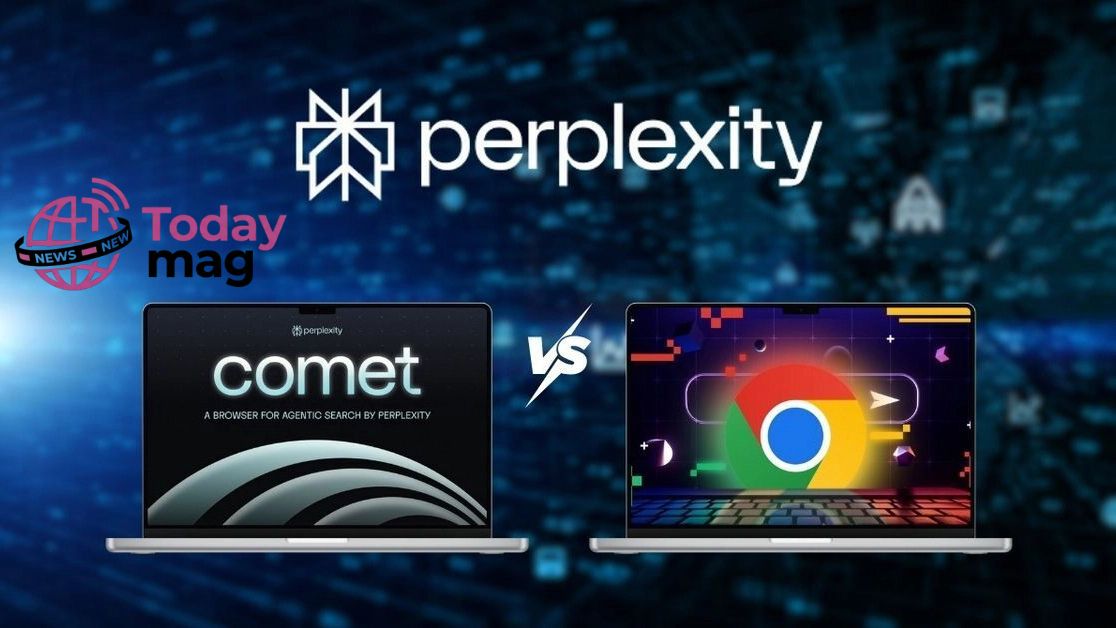
Is Perplexity Comet Browser Better Than Google Chrome?
Whether the Perplexity Comet Browser is better than Google Chrome depends on how you use the internet. Chrome remains one of the fastest and most compatible browsers, while Comet focuses on delivering an AI-powered browsing experience.
If your daily work involves researching, writing, studying, or comparing information, Comet offers several advantages by reducing the number of tabs and searches needed to complete tasks. Instead of manually searching multiple websites, users can interact with the built-in AI to receive summaries, explanations, and recommendations in one place.
Chrome, on the other hand, continues to excel in extension support, compatibility with web applications, and overall stability for everyday browsing.
Quick Comparison
| Feature | Perplexity Comet Browser | Google Chrome |
|---|---|---|
| AI Assistant | ✅ Built-in | ❌ Limited |
| AI Search | ✅ Native | ❌ Search engine dependent |
| Webpage Summaries | ✅ Yes | ❌ No |
| Productivity Features | ✅ Advanced | Basic |
| Extension Support | Limited | Excellent |
| Compatibility | Growing | Excellent |
| Best For | Research & AI Workflows | General Browsing |
Performance and Speed
Performance is one of the biggest concerns when switching to a new browser. Early users report that the Perplexity Comet Browser feels smooth during normal browsing while providing instant AI assistance directly inside the browser.
Unlike traditional browsers where users frequently switch between search engines and AI chatbots, Comet keeps everything integrated into a single workflow. This can save time, especially for users handling research-heavy tasks.
The browser is designed to:
- Load websites quickly
- Reduce unnecessary searching
- Speed up information gathering
- Improve productivity through AI automation
- Keep conversations connected across browsing sessions
Privacy and Security
Privacy has become increasingly important as AI tools collect and process user queries.
Perplexity states that user privacy and secure browsing remain priorities. Like any browser, users should review the available privacy settings before sharing sensitive information.
Security features may include:
- Secure website connections
- Privacy controls
- Safe browsing protections
- Permission management
- Regular software updates
As the browser continues to develop, users should expect additional security improvements over time.
Pricing
One of the questions many people ask is whether the Perplexity Comet Browser is free.
The browser itself is expected to be available without requiring a traditional browser purchase. However, certain premium AI capabilities may depend on a Perplexity subscription, allowing advanced users to access more powerful AI features and larger usage limits.
For casual users, the standard browsing experience should be sufficient, while professionals may benefit from premium AI tools.
Pros and Cons
Pros
- AI integrated directly into the browser
- Excellent for research and learning
- Fast webpage summaries
- Context-aware conversations
- Modern and clean interface
- Helps reduce time spent searching
Cons
- Smaller extension ecosystem than Chrome
- New platform still evolving
- Some advanced AI features may require a subscription
- Compatibility may improve further with future updates
Who Should Consider Switching?
The Perplexity Comet Browser is a strong choice for users who spend significant time researching information online.
It may be especially useful for:
- Students
- Journalists
- Bloggers
- SEO professionals
- Digital marketers
- Developers
- Business analysts
- Researchers
If your work depends on finding reliable information quickly, Comet’s AI-powered workflow could provide a noticeable productivity boost.
Frequently Asked Questions (FAQs)
Is the Perplexity Comet Browser free?
Yes, the browser is available to users, but some advanced AI capabilities and premium features may require a Perplexity subscription.
Can I replace Google Chrome with Comet?
If you mainly use your browser for research, studying, writing, or AI-assisted tasks, the Perplexity Comet Browser can be an excellent alternative. However, users who rely on a large library of browser extensions may still prefer Chrome.
Does Comet support AI-powered search?
Yes. AI-powered search is one of Comet’s core features. Instead of showing only traditional search results, it provides conversational answers, summaries, and relevant sources.
Is the Perplexity Comet Browser secure?
The browser includes modern security and privacy features designed to provide a safer browsing experience. Users should still follow standard online safety practices and keep the browser updated.
Who should use the Comet Browser?
The browser is ideal for:
- Students
- Researchers
- Writers
- Bloggers
- SEO professionals
- Developers
- Business users
- Anyone who regularly searches for information online
Final Verdict
The Perplexity Comet Browser represents a new generation of AI-first web browsers. Instead of acting only as a gateway to websites, it functions as an intelligent research assistant capable of summarizing content, answering complex questions, and helping users work more efficiently.
While Google Chrome remains the leader in compatibility and browser extensions, Comet offers a unique advantage for users who prioritize productivity, AI-assisted research, and streamlined workflows. As artificial intelligence becomes a larger part of everyday browsing, tools like Comet are likely to play an increasingly important role.
For students, professionals, content creators, and researchers, the Perplexity Comet Browser is a promising option that is worth exploring in 2026.
Key Takeaways
- AI-first browser developed by Perplexity AI.
- Built-in AI assistant for search, research, and summaries.
- Helps reduce time spent switching between tabs.
- Great for students, writers, marketers, and researchers.
- Offers a modern alternative to traditional browsers.
- Chrome remains stronger for extensions, while Comet excels in AI-powered productivity.
